Fruit Images for YouTube Thumbnails: Do’s and Don’ts
Imagine scrolling through YouTube and suddenly spotting a thumbnail bursting with color – perhaps a juicy red strawberry or a bright slice of watermelon practically popping off the screen. It immediately stands out from the sea of generic thumbnails and makes you want to click. Fruit images have that effect: they’re vibrant, enticing, and can instantly make a video look more appealing. But using fruit photos in thumbnails effectively isn’t just about slapping a pretty picture on there. It’s an art and a science. How you use these images can make the difference between a viewer clicking your video or passing it by.
In this guide, we’ll explore the do’s and don’ts of using fruit images for YouTube thumbnails – so you can create click-worthy visuals that draw viewers in while avoiding common pitfalls. Whether you’re a food vlogger sharing smoothie recipes or a marketer adding a splash of color to your content, these tips will help your thumbnails shine.
Why Fruit Images Make Your Thumbnails Pop
Fruit photos aren’t just colorful – they come with a bunch of benefits for your thumbnail strategy. Here’s why a fruit image can be a game-changer for your YouTube thumbnails:
-
Vibrant, Eye-Catching Colors: Fruits naturally boast some of the most attention-grabbing colors. Think of the reds of strawberries, the bright yellows of lemons, or the lush greens of kiwis. These hues are proven to catch the eye and spark curiosity. A thumbnail with a burst of colorful fruit immediately draws attention in a crowded feed, helping your video stand out from the rest.
-
Instant Context for Food & Lifestyle Content: If your video is about food, health, or cooking, a fruit image telegraphs that message in a split second. A viewer browsing thumbnails will instantly recognize a delicious bowl of berries or a tropical fruit smoothie and know your content relates to recipes, nutrition, or tasty tips. This quick visual context can attract your target audience right away.
-
Emotional and Sensory Appeal: Fruit imagery can trigger positive emotions and even a bit of appetite! A well-shot photo of ripe, juicy fruit can make viewers feel something – thirst for that smoothie, craving for that dessert, or just a sense of freshness and fun. This emotional appeal can translate into clicks, as people are naturally drawn to things that look enjoyable or delicious.
-
Universally Positive Imagery: Fruits tend to carry positive connotations (freshness, health, nature, even nostalgia for a summer day). Unlike some images that might alienate certain viewers, fruit is broadly appealing across ages and cultures. Using a fruit theme can give your channel a friendly, vibrant personality that makes people feel good about clicking through.
-
Visual Variety: If most thumbnails in your niche feature people’s faces or plain text, using a bold fruit image can be a refreshing change of pace. That contrast helps you break out of “thumbnail fatigue” where everything looks the same. A pop of mango orange or dragonfruit pink can be the visual hook that stops the scroll.
Now that we know why fruit images can work wonders, let’s ensure you’re using them effectively. Below are the key do’s and don’ts to follow when designing your fruit-filled YouTube thumbnails.
The Do’s: How to Nail Fruit-Focused Thumbnails
When done right, fruit images can turn a good thumbnail into a fantastic one. Keep these best practices in mind to make your thumbnails as click-worthy as possible:
-
Do use high-quality, vibrant fruit photos: Always start with a sharp, high-resolution image of the fruit. Blurry or dull photos won’t do your video justice. Choose pictures that are rich in color and detail – for example, the glistening red seeds of a pomegranate or the bright, sunlit yellow of a sliced lemon. High quality signals professionalism and catches the viewer’s eye. (Tip: Make sure to use the proper 16:9 aspect ratio and a resolution like 1280×720 or higher, so your thumbnail looks crisp even on large screens.)
-
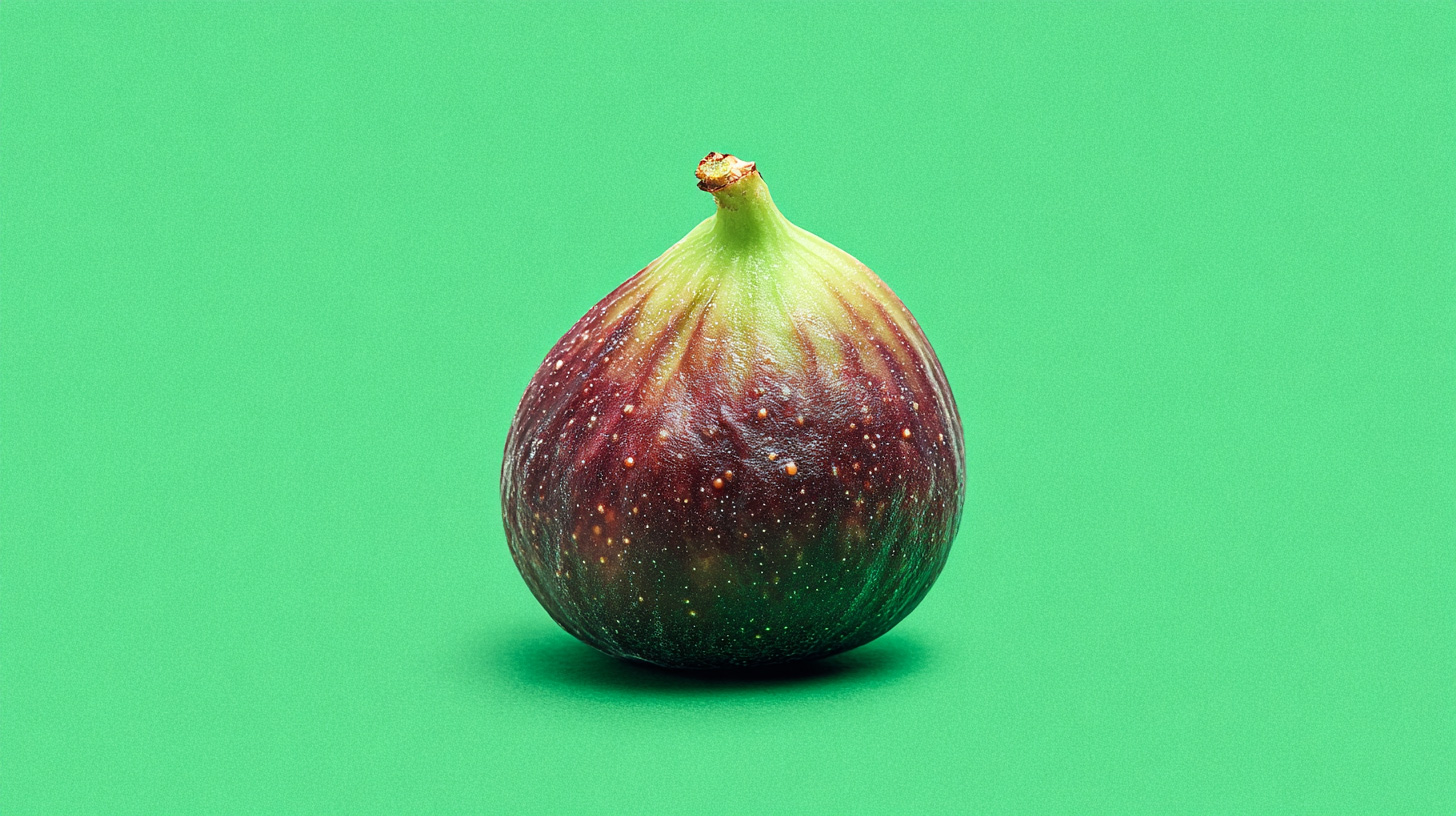
Do keep the design clean and focused: In thumbnails, simple is powerful. Aim for one clear focal point – such as a single fruit or a tidy arrangement – rather than a collage of twenty different items. An uncluttered layout helps viewers “get” the image in just a split second. Remember, people decide whether to click in a blink. A kiwi sliced in half on a plain background, for instance, can be more striking than a busy fruit salad with text everywhere. Give your fruit image some breathing room and avoid overwhelming the frame. Clear, simple thumbnails with a strong focal fruit will grab attention even on small mobile screens.
-
Do ensure the fruit matches your content: Relevance is key. The fruit imagery you use should accurately represent your video’s topic or theme. If your video is a recipe for a mango smoothie, show a mango (and that smoothie itself if possible); if it’s a gardening vlog about growing tomatoes, a ripe tomato image makes perfect sense. Using an unrelated but flashy fruit just to lure clicks (for example, a huge watermelon image on a video about apples) might get attention, but it will also confuse or disappoint viewers who feel tricked. Always choose images that align with what you actually deliver in the video – this builds trust and sets the right expectation.
-
Do leverage text and graphics sparingly and smartly: Sometimes adding a bit of text or a logo to your thumbnail can increase its effectiveness – but it’s a delicate balance. A short, punchy text snippet can highlight the video’s benefit or hook (e.g., “5 Easy Recipes” or “30-Second Tip”). If you include text, use a clear, bold font and place it where it won’t cover the main fruit subject. Make sure the text color contrasts with the image (white or bright text often works well against darker fruit backgrounds, for instance). Similarly, if you have a personal or channel logo, you can include it in a corner for branding – just keep it small. The goal is to complement the fruit image, not steal the spotlight. Let the fruit be the hero, with any wording as a supportive sidekick.
-
Do consider adding a human element (when appropriate): People are naturally drawn to faces and expressions – it creates an emotional connection. If it fits your content, try combining fruit imagery with a human touch. For example, you might feature yourself smiling and holding a bowl of fruit salad, or a hand reaching for a strawberry in the frame. A happy or surprised face reacting to a fruity dish can amplify interest (viewers might think, “Wow, that looks delicious!” or “They look excited about this recipe – I want to know why!”). This isn’t a must for every thumbnail (plenty of great food thumbnails focus only on the food itself), but it can boost engagement. The key is that any person or expression should feel relevant and enhance the message – not distract from the fruit. When done right, pairing fruit with a friendly face can make your thumbnail even more inviting.
-
Do maintain a consistent style and branding: If you’re using fruit images across many videos, strive for a cohesive look that becomes part of your channel’s identity. This could mean using a similar filter or color tone on all your images, placing your text in a consistent spot, or sticking to a particular graphic style. For instance, maybe you always use a pastel background behind the fruit, or you always frame the fruit in a circular design – whatever suits your brand. This consistency helps loyal viewers instantly recognize your content at a glance. Over time, a recognizable thumbnail style (fruit and all) builds your brand’s professionalism and trust. New viewers will also get a sense that you’re organized and intentional about your content. In short, develop a thumbnail “recipe” that you can repeat, so each fruit image feels like part of the same family.
By following these do’s, you set a strong foundation for attractive, effective thumbnails. But equally important is knowing what to avoid. Let’s look at the don’ts of using fruit images, so you can steer clear of common mistakes that hurt your thumbnail performance.
The Don’ts: Mistakes to Avoid with Fruit Thumbnails
Even a delicious fruit photo can flop as a thumbnail if you fall into these pitfalls. Make sure to avoid the following when crafting your fruit-themed thumbnails:
-
Don’t use low-quality or dull images: This is the flip side of our first “do.” A pixelated, dark, or blurry fruit picture will turn viewers away. It suggests low effort or outdated content. Likewise, avoid images where the fruit looks unappetizing – nobody wants to click a thumbnail of a brown, mushy banana! Choose crisp images with vivid colors. If the photo isn’t high quality, take the time to find one that is (there are plenty of free fruit stock photos out there). Remember, your thumbnail is often a viewer’s first impression of your video – so don’t spoil it with poor imagery.
-
Don’t overcrowd or clutter the thumbnail: It can be tempting to show everything at once – multiple fruits, bold text, stickers, explosions of color – all in one image. But overcrowding is a thumbnail killer. When too much is going on, viewers can’t figure out the focus instantly, and they’ll likely scroll past. Avoid the urge to cram in every ingredient or every word of your title. For example, if your video is “10 Fruit Decorating Tips,” resist putting all 10 fruits in the thumbnail. Instead, pick one spectacular fruit carving (or a before-and-after) as the centerpiece. Keep the layout clean. A clutter-free thumbnail with one or two elements will always outshine a chaotic collage.
-
Don’t mislead with clickbait fruit images: Clickbait thumbnails might get a quick glance, but they backfire in the long run. Using fruit images that aren’t actually relevant to your content – just because they look sensational – will harm viewer trust and retention. If someone clicks expecting a juicy secret about dragonfruit and your video never even mentions it, they’ll feel duped (and probably click away fast, hurting your watch time). Similarly, avoid overly exaggerated images (like an impossibly perfect, shiny fruit that doesn’t represent what you actually show). Be exciting but honest. A great thumbnail sparks curiosity without betraying it. So showcase that gorgeous cake with its fresh berries on top (if your video indeed shows how to make it), but don’t promise a giant fruit sculpture that isn’t there.
-
Don’t overwhelm with text or logos: Text can be helpful, but too much text turns your thumbnail into a tiny unreadable flyer. Remember that thumbnails are small – on a phone screen, a long title squeezed onto the image becomes illegible and messy. The viewer shouldn’t have to read a lot to get it. Avoid putting more than a few words on the thumbnail, and absolutely avoid tiny cursive or overly stylized fonts that no one can decipher at a glance. The same goes for logos or graphics: one small logo is fine for branding, but don’t plaster multiple badges or giant watermarks that cover your fruit. If your beautiful strawberry photo has “BEST SMOOTHIE EVER!!!” plus three different logos all over it, the actual content of the image gets lost. Aim for a balance – minimal text, and let the fruit picture do the talking.
-
Don’t choose clashing colors or poor contrast: While fruits are colorful, you have to be mindful of how colors work together on your thumbnail. For instance, red text on a red strawberry background is a big no-no – it’s hard to read and visually confusing. Similarly, neon green text on a yellow banana might just hurt the eyes. Contrast is your friend. Make sure any text or graphic element stands out clearly against the fruit image. Dark text on a light background (or vice versa) is usually effective. Also, if you’re layering multiple fruit images or adding background colors, stick to combinations that are pleasing, not jarring. You want the thumbnail to pop, not to become an eyesore. A good practice is to step back and look at the thumbnail in small size: are the key elements (fruit and any text) distinguishable at a glance? If not, tweak the colors and contrast until they are.
-
Don’t forget to test and preview at small sizes: What looks great full-screen when you’re designing might not translate well to the tiny thumbnail grid on a phone. Always preview your thumbnail at the size it will appear on YouTube (try zooming out of your design or using YouTube’s own preview if available). Check that the fruit is recognizable and the details still come through. If you included text, is it still readable when shrunk down? If the answer is no, adjust the design – maybe zoom in more on the fruit, use a clearer font, or remove small details. Also, consider running A/B tests if you have the capability (YouTube now allows testing different thumbnails for some creators, or you can swap thumbnails for a day and compare performance). Don’t set it and forget it: a quick test or a critical eye on the final scaled-down thumbnail can save you from a design that falls flat. In short, don’t skip the final step of putting yourself in the viewer’s shoes – on a mobile phone or laptop – to ensure your thumbnail truly stands out as intended.
By steering clear of these don’ts, you’ll avoid the common errors that make thumbnails less effective. Your fruit images will remain the star of the show, shining bright and drawing in viewers as they should.
Conclusion: Make Your Thumbnails Fruitful and Click-Worthy
When used thoughtfully, fruit images can transform your YouTube thumbnails from ordinary to extraordinary. The right image – a vibrant pop of color, a clear and relevant subject, paired with a bit of smart text or a human smile – can connect with viewers in an instant and entice them to watch your content. Remember to keep things visually simple and honest, and always prioritize quality. With these do’s and don’ts in mind, you’re set to create thumbnails that not only look delicious but also boost your click-through rates.
Ready to take your thumbnail game to the next level? Explore the vibrant world of free and premium fruit stock images on Fruttee.com and start crafting thumbnails that truly stand out. Grab those fresh, eye-catching photos and let your creativity run wild – your next viral video might just be one juicy thumbnail away!
You might also like Why TikTok Creators Should Use Fruit Stock Photos
Ready to take action?
Explore the vibrant world of free and premium fruit stock images on Fruttee.com.